Role
Lead Product Designer
Product
Houzz Pro
Houzz Pro: Multi-factor Authentication
Strengthening Houzz Pro account security to support enterprise adoption.
Opportunity
Houzz’s existing 2FA solution established a baseline for account security, but fell short of the expectations of larger, enterprise-oriented customers with stricter security requirements. This created an opportunity to evolve our authentication model to multi-factor authentication (MFA), aligning with industry standards for enterprise security, enhancing protection against unauthorized access while enabling scalable, trusted access for professional teams.
Partners
Product manager, backend engineer, and frontend engineer.
Design Strategy
There are four primary flows required to implement multi-factor authentication on the Houzz Pro platform.
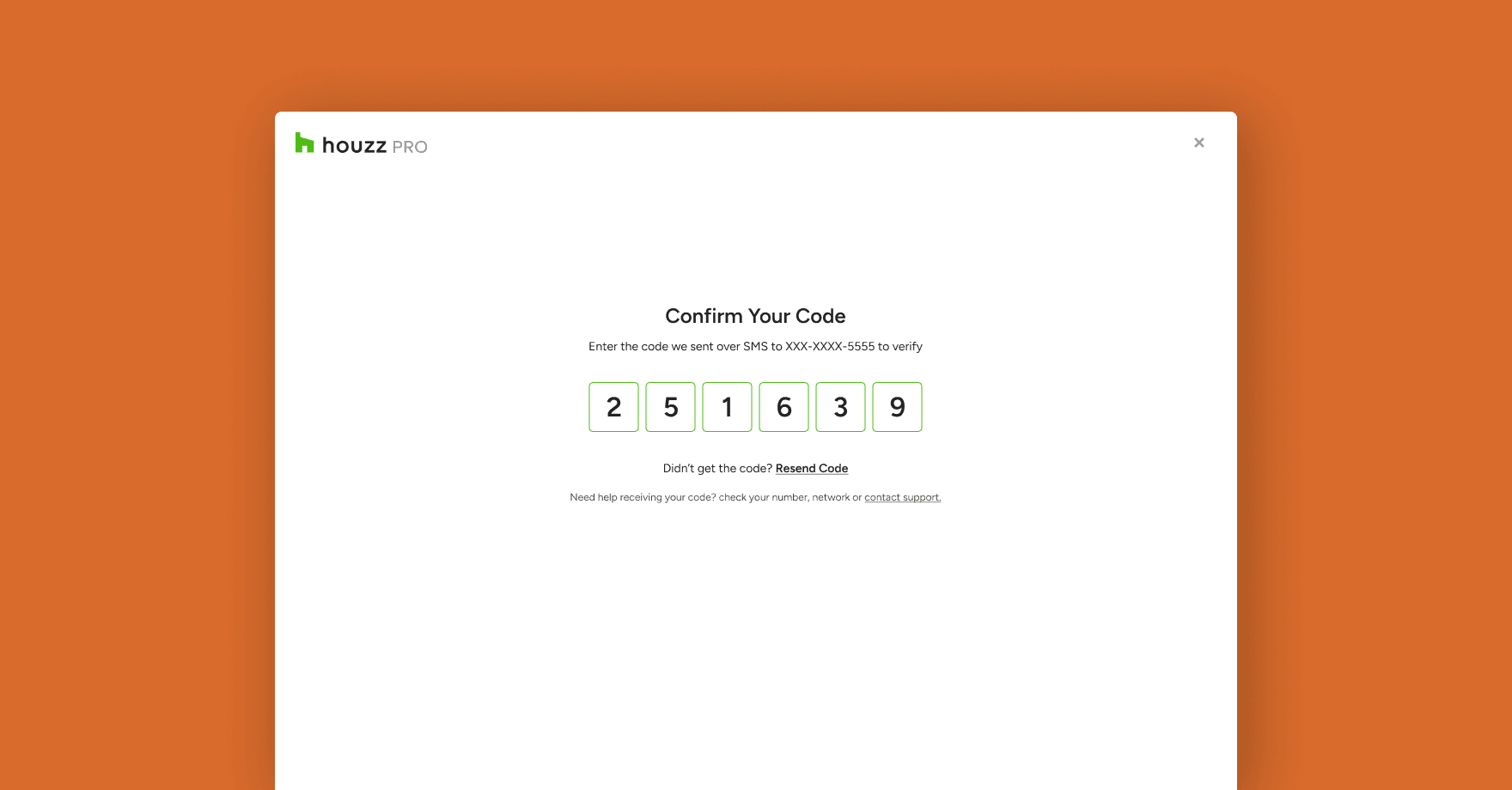
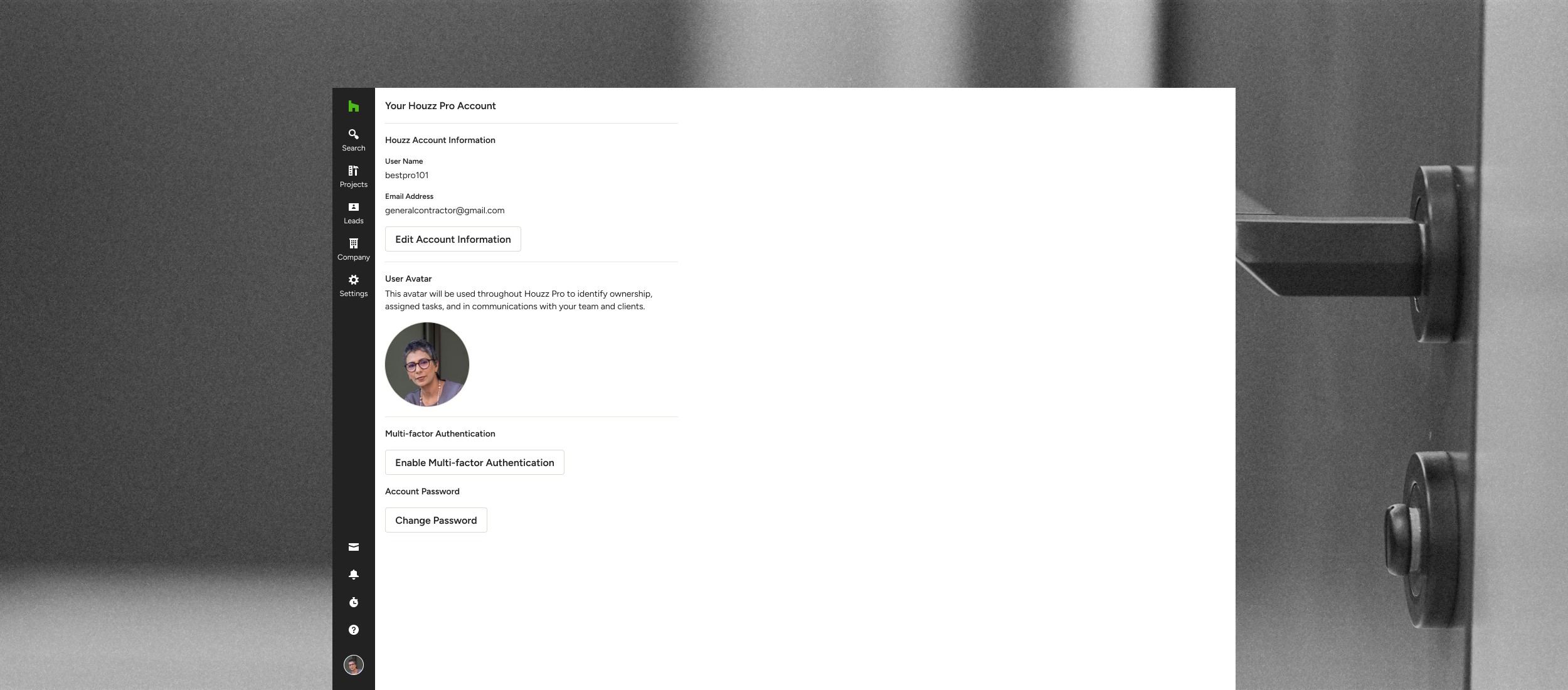
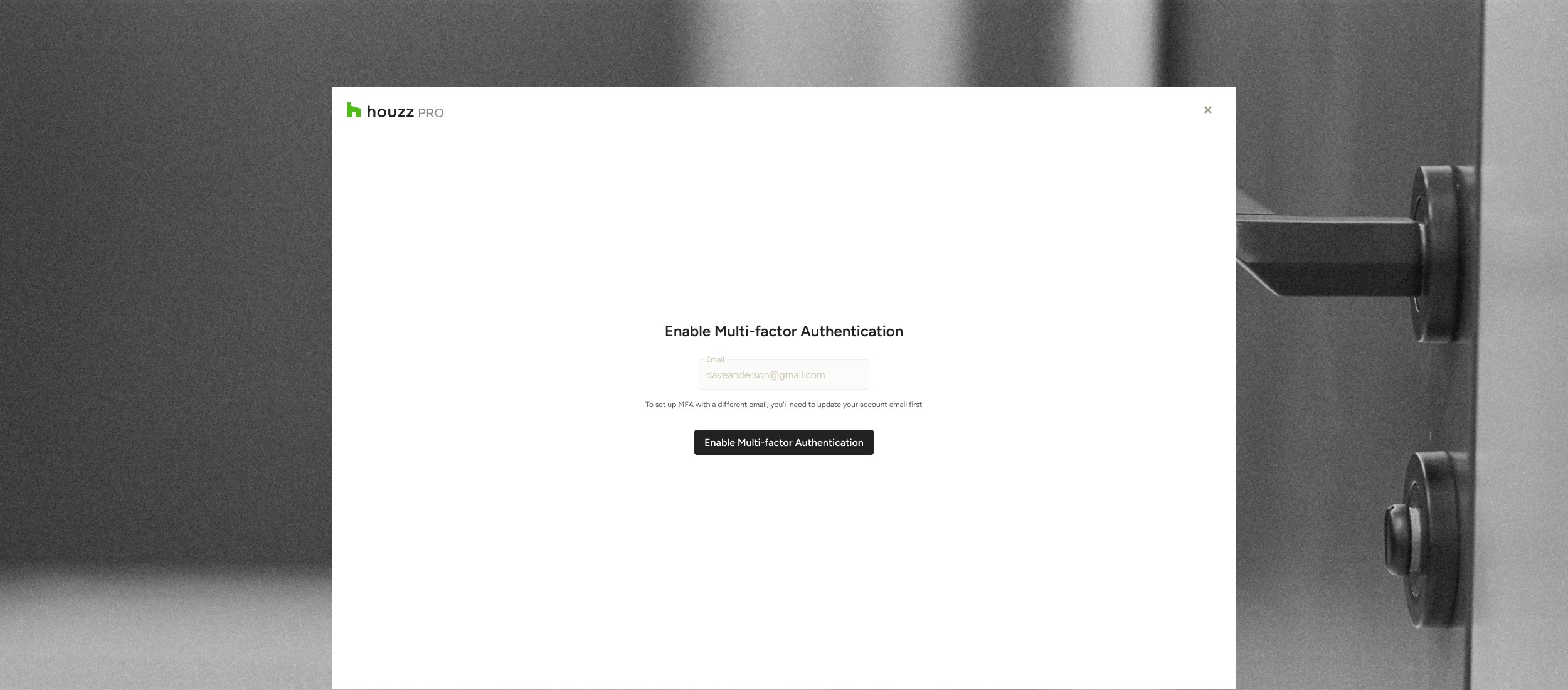
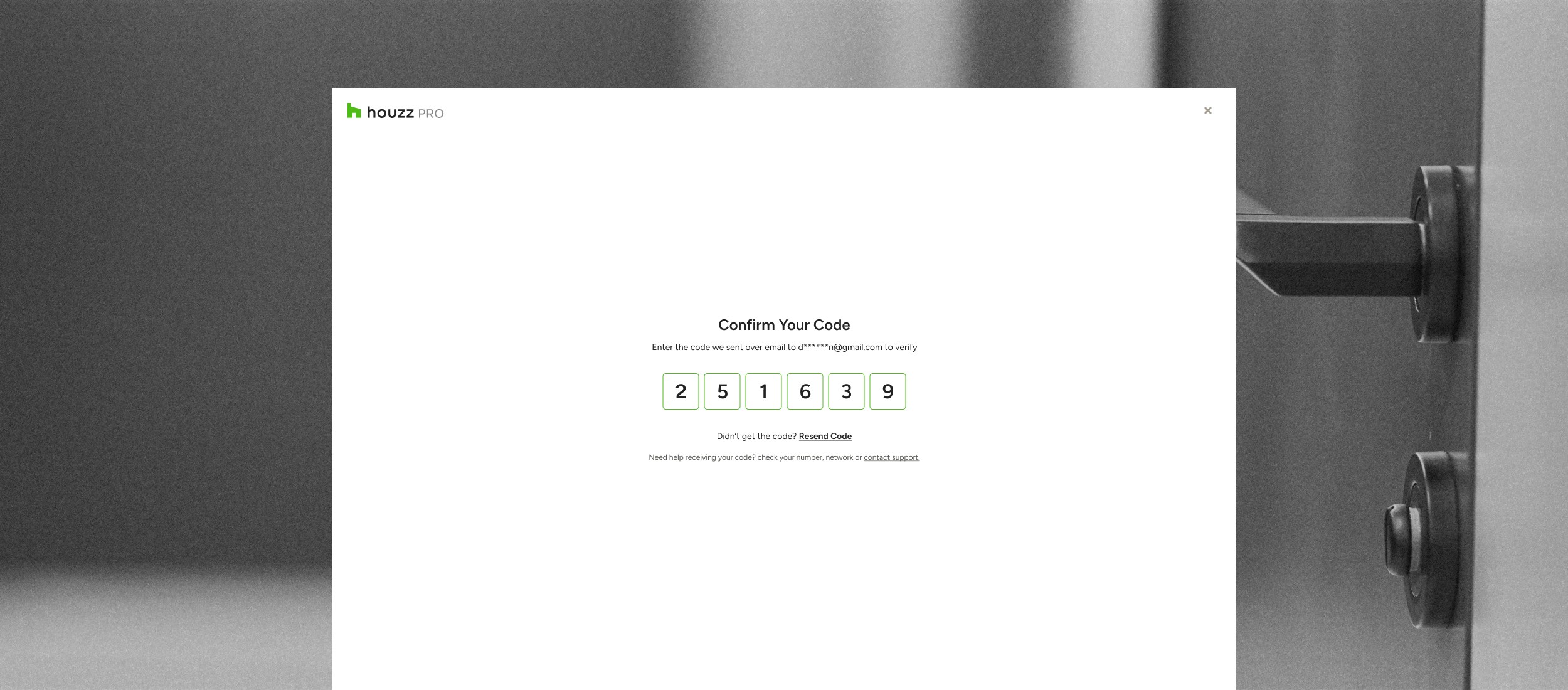
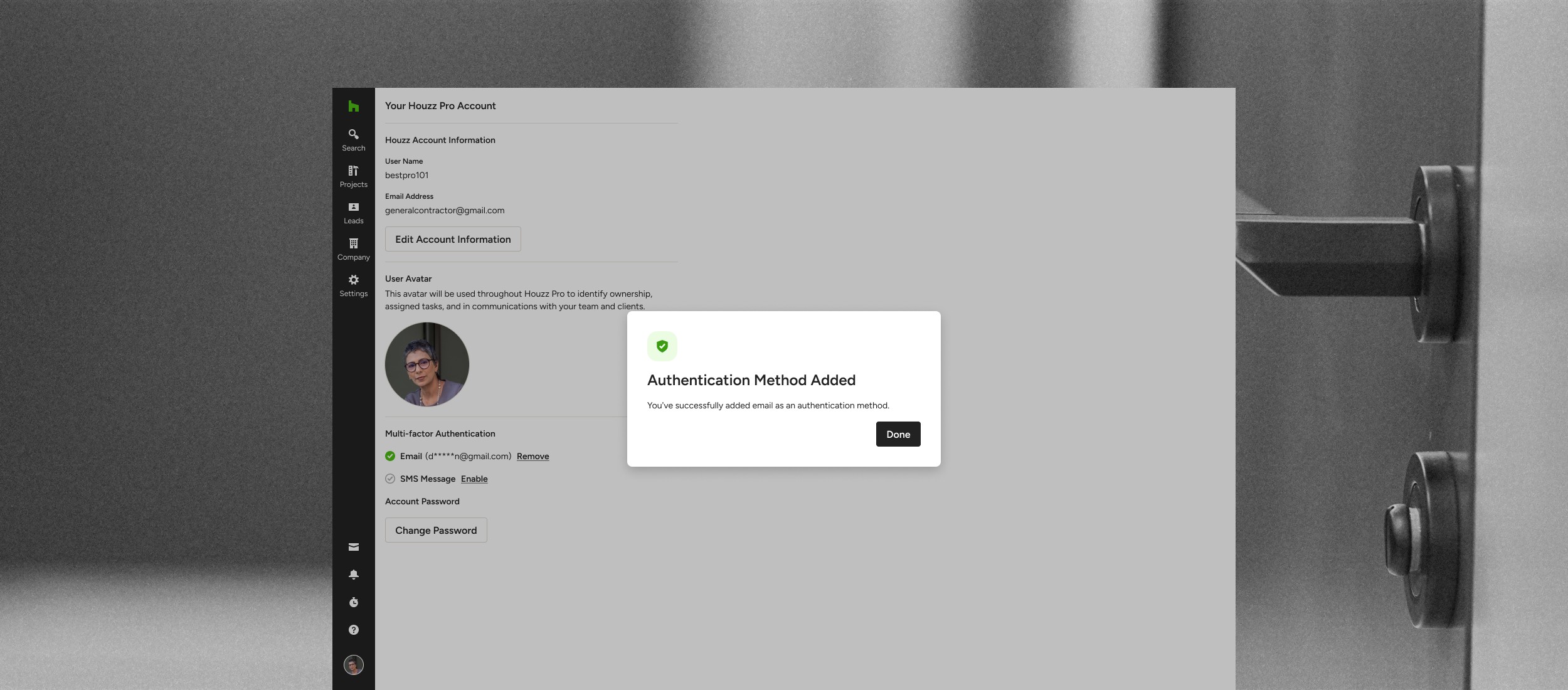
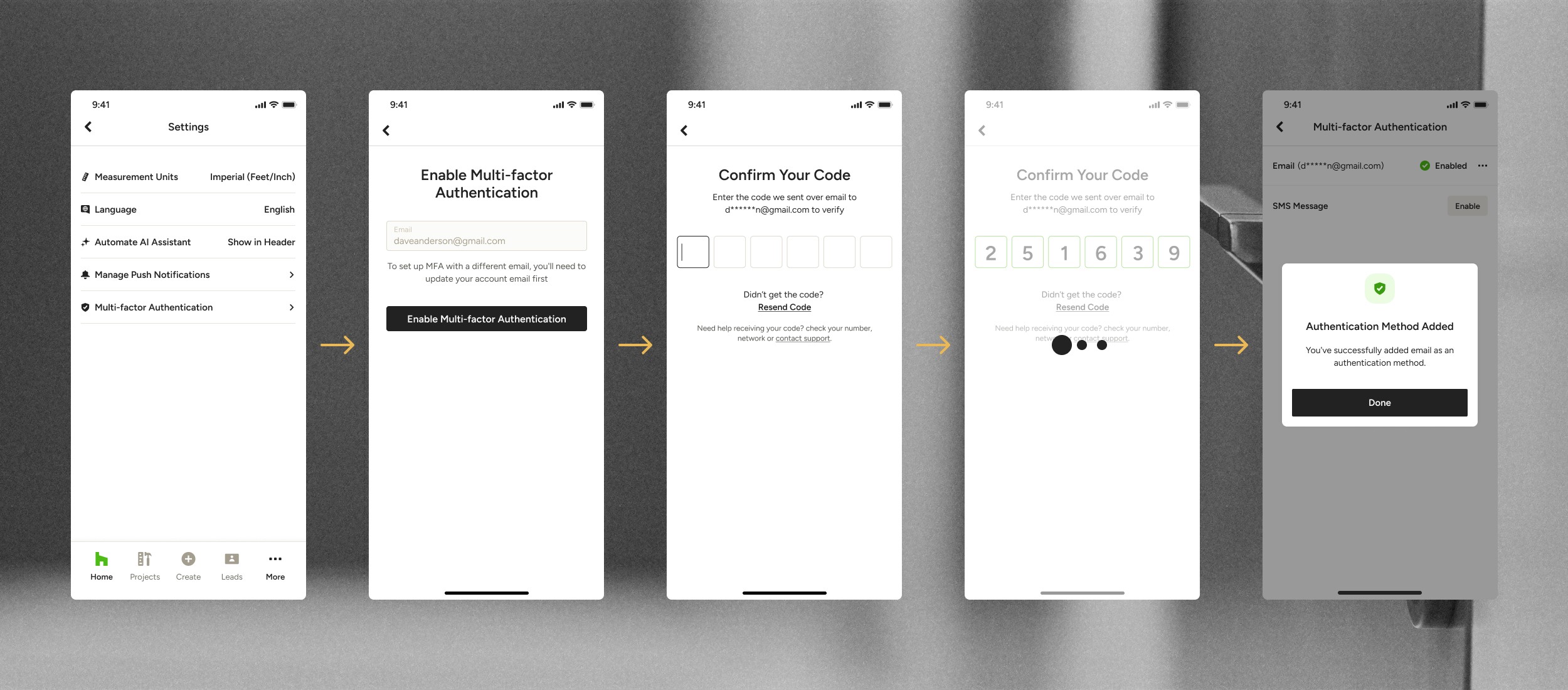
Setup - Pros will setup MFA using their account email. Once setup with email, users will have the ability to set up MFA with SMS. As MFA is completely optional, users will be able to remove MFA methods (email or sms) after setting them up.
Login - When logging into Houzz Pro, users will need to go through the MFA process using either email or SMS. If both are enabled, users will choose their preferred method.
Sensitive Actions - Once MFA is setup, users will need to go through MFA in order to complete sensitive actions such as changing password, updating MFA, logging in from a new device, accessing billing or payment details.
Session Refresh - In order to continue a session users will need to re-authenticate after a period of 7 (without checking “Remember this device”) or 30 days (when checking “Remember this device”).